
Looking for Local SEO in Swannanoa, NC?
Local SEO for Swannanoa, NC small businesses. Modern Merchant — locally based in Asheville, payments + POS + CRM + automation under one roof.

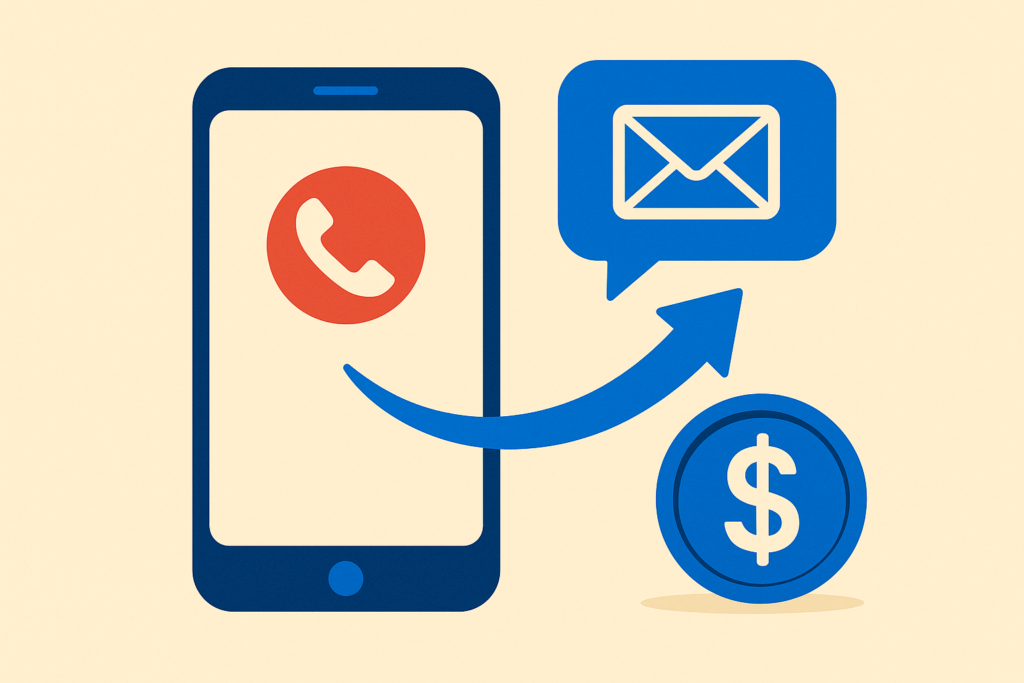
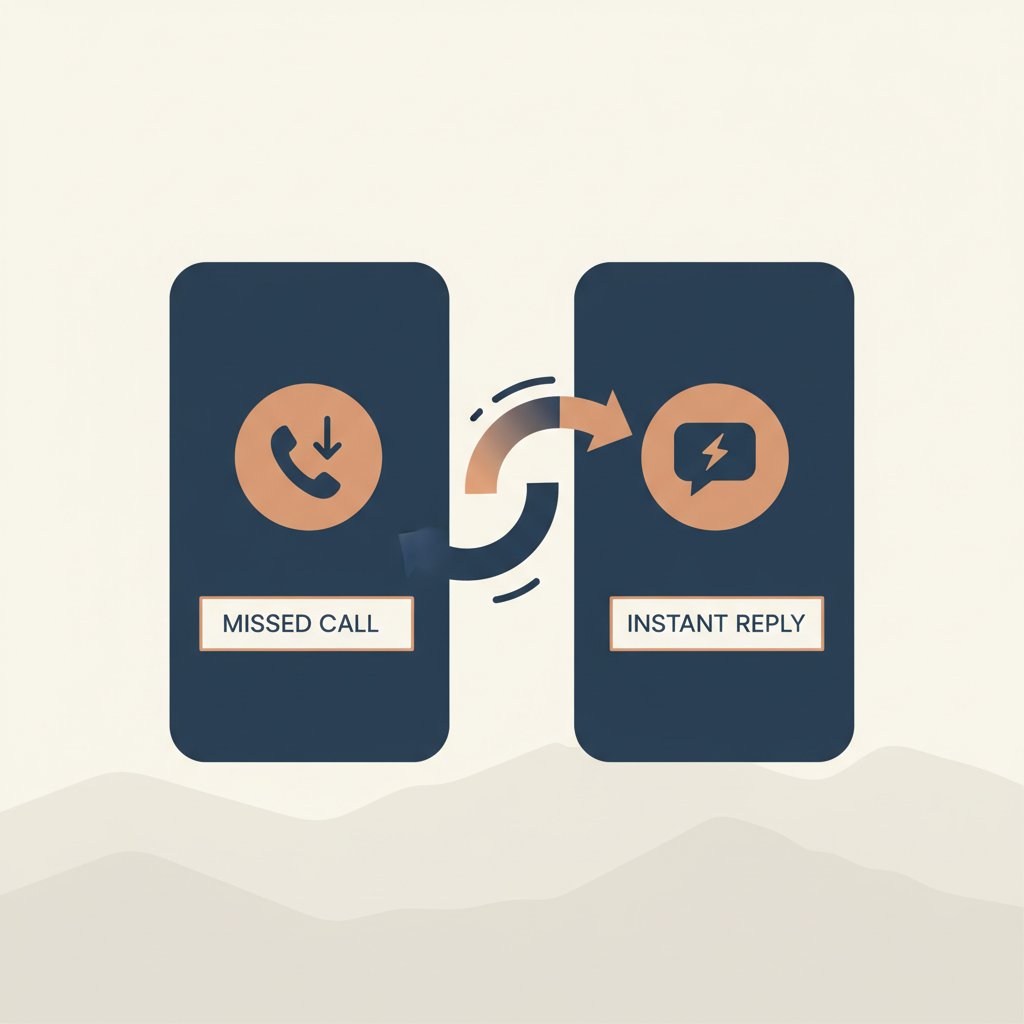
Picture the call you missed yesterday. Maybe a new lead. Maybe an existing customer with a question. Maybe a referral from a friend.
What happened next? They got your voicemail. They didn’t leave one (because nobody leaves voicemails anymore). They probably called the next business in their search results.
That’s a lost lead. Not because you did anything wrong — because you were on another call, in a meeting, or driving. The phone rang once. They didn’t try again.
Missed-call text-back is a 10-second automation that fixes this. The phone rings, you don’t answer, an automated text goes out within 10 seconds saying “Hey, sorry I missed you — is now a good time?” Roughly 30% of those texts get a reply. That’s 30% of otherwise-lost leads recovered.
Here’s what it is, what it costs, and how to set it up.
The mechanic is simple:
The text usually says something like:
“Hey, this is Sarah from [Business Name]. Sorry I missed you — what can I help with? Reply here and I’ll get right back to you.”
That’s it. No app for the customer to download. No portal for the customer to log into. Just a text from your number to their number — same channel they live in.
People don’t leave voicemails because voicemails feel like extra work. People DO reply to texts because replying to a text is the path of least resistance. The medium changes the math.
The 10-second window matters too. If the text arrives 30 minutes after the missed call, the customer has already moved on. If it arrives in 10 seconds, the customer is still in the moment of “I need to talk to somebody about this thing.”
Most businesses recover 25–40% of missed calls with this single automation, depending on industry and customer mix. For service businesses (HVAC, plumbing, electricians, lawyers, dentists, anyone who gets calls all day), it’s often the single highest-ROI automation in the entire stack.
The actual cost has two pieces:
1. Software to detect the missed call and send the text. This is part of any modern CRM or business communication platform. Modern Merchant Hub includes it at no extra charge (it’s a built-in workflow trigger). Standalone products like Whippy, Avoxi, or LimeCall charge $30–$80/mo for it.
2. Per-text SMS cost. This is fractions of a penny per text. A business that gets 200 missed calls per month would spend roughly $1.50/mo on the SMS portion.
Total cost: typically $30–$80/mo if you’re paying for a standalone service, $0 in additional cost if it’s bundled into your CRM.
Missed-call text-back is not a replacement for actually answering the phone when you can. People still prefer a human voice on the line for sensitive or complex conversations.
It’s also not a replacement for a real follow-up. The text starts a conversation — somebody on your team still has to reply to that conversation when the customer responds. If you set this up and then ignore the inbound texts, you’ve made the problem worse, not better.
The right framing: missed-call text-back catches the calls you would have missed anyway, and gives you a second chance to engage. It’s not a strategy by itself — it’s a safety net under the rest of your customer communication.
If you’re on Modern Merchant Hub, the setup takes about 10 minutes:
The default template we recommend:
“Hey, this is [Your Name] from [Business Name]. Sorry I missed your call — what can I help with? Reply here and I’ll get right back to you.”
Two important customizations:
A) Use the owner’s first name (or the front-desk person’s name). “Hey this is Sarah from Smith & Lloyd” performs measurably better than “Hi, you’ve reached Smith & Lloyd.” Names create reply rates.
B) End with a specific question. “Reply here” works. “How can I help?” works. “Is now a good time?” works. Open-ended makes them think; specific makes them respond.
If you’re not on Modern Merchant Hub yet, here’s the short version of how to get this running on the platforms we see most often:
Three options:
Option 1 — Set it up yourself. If you’re already on a platform that supports it, the setup is in your dashboard somewhere. The hardest part is writing the message and committing to actually replying when customers respond.
Option 2 — Audit your missed calls first. Pull a report of how many calls you missed last month. If it’s more than 10/week, the math on missed-call text-back is overwhelming. If it’s 1–2/week, this isn’t the highest-leverage automation to set up first.
Option 3 — Have us turn it on for you. If you’re on Modern Merchant Hub or moving to it, this is one of the first 5 workflows we activate during onboarding. It takes 10 minutes and you start recovering leads the next day.
Book a Modern Merchant Hub walkthrough → ← we’ll show you the workflow live
If you’re an Asheville-area business that runs on phone calls — restaurants taking reservations, contractors taking job calls, service providers booking appointments — this is the one automation we’d turn on first.
In our experience, no — and the data backs this up. Reply rates run 25–40% across most service industries, which means customers find the text helpful, not intrusive. The key is making the text sound like a human being, not a corporate auto-reply (“Your call is important to us. Please leave a message after the tone.” in text form would absolutely annoy people; “Hey, sorry I missed you, what can I help with?” doesn’t).
The text goes out anyway, and the wrong-number person ignores it. There’s no cost or downside beyond the fraction-of-a-penny SMS fee.
No, but you do need a number that can both receive calls AND send SMS. If you’re using a personal cell phone for business, you can’t easily route this — but a business number through Modern Merchant Hub, GoHighLevel, Twilio, OpenPhone, or any modern VoIP system handles this natively.
In our setup, 10 seconds after the missed call is detected. Some carriers report missed-call status faster than others — most are within 5–10 seconds. The point is “while the customer is still holding their phone in their hand.”
Yes — and you should. After-hours messages can mention “I’ll get back to you first thing in the morning.” Business-hours messages can promise a faster reply. Weekend messages can set the right expectation. Modern Merchant Hub supports time-of-day branching in the workflow builder.
iPhone’s “Driving Focus” auto-reply is similar in spirit but limited: it only works while you’re driving (or manually toggle the focus on), it sends a generic “I’m driving, can’t text” message, and it doesn’t track or organize the conversations. Missed-call text-back works 24/7, sends a message you control, and logs every conversation in your CRM so you can pick up the thread later or assign it to someone on your team.
Modern Merchant is a payments + POS + CRM + automation firm based in Asheville, NC. Modern Merchant Hub is our white-labeled CRM platform — built on GoHighLevel, supported locally, configured for small business out of the box. Missed-call text-back is one of the first automations we turn on during onboarding. Book a Discovery Call →
Local SEO for Swannanoa, NC small businesses. Modern Merchant — locally based in Asheville, payments + POS + CRM + automation under one roof.

Web design for Swannanoa, NC small businesses. Modern Merchant — locally based in Asheville, payments + POS + CRM + automation under one roof.
POS systems for Swannanoa, NC small businesses. Modern Merchant — locally based in Asheville, payments + POS + CRM + automation under one roof.
Credit card processing for Swannanoa, NC small businesses. Modern Merchant — locally based in Asheville, payments + POS + CRM + automation under one roof.
Local SEO for Marion, NC small businesses. Modern Merchant — locally based in Asheville, payments + POS + CRM + automation under one roof.
Web design for Marion, NC small businesses. Modern Merchant — locally based in Asheville, payments + POS + CRM + automation under one roof.