
Looking for Local SEO in Swannanoa, NC?
Local SEO for Swannanoa, NC small businesses. Modern Merchant — locally based in Asheville, payments + POS + CRM + automation under one roof.

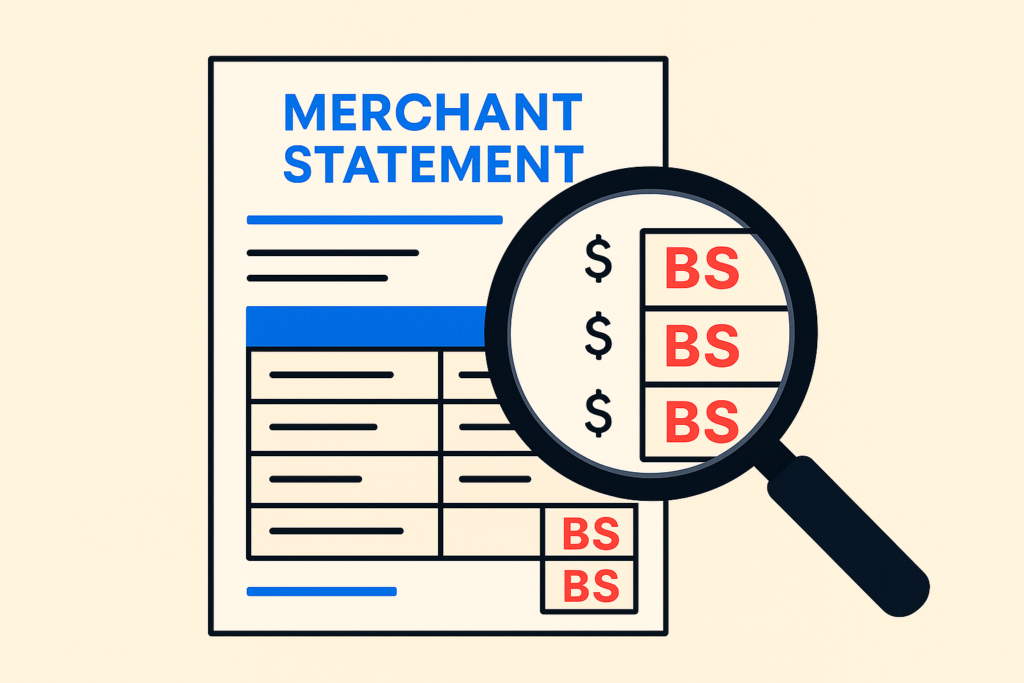

Merchant processing statements are designed to be hard to read. That’s not an accident — it’s the business model. The harder it is to figure out what you’re paying, the longer you stay paying it.
Here’s the good news: there are roughly six numbers on every statement that actually matter, and once you know which ones to look at, the whole thing takes about five minutes to audit.
The faster version: Find your effective rate (total fees ÷ total card volume × 100). Find the three line items most likely to be junk fees. Add up your true monthly cost. Compare to what a fair processor would charge. If you’re more than 0.5% above fair, you’re overpaying.
The slower version is below — with the line items called out by name and the three fees you should always question.
Open your most recent merchant statement (any month is fine — they’re consistent). Look for these six things:
1. Total card volume processed (this month)
Usually labeled “Total Sales,” “Gross Sales Volume,” or “Card Sales.” This is the sum of every dollar your customers paid you with a card. Ignore “Total Transactions” — that’s a count, not a dollar amount.
2. Total processing fees (this month)
Usually labeled “Total Fees,” “Total Discounts,” or buried as the difference between “Gross Deposits” and “Net Deposits.” If your statement makes you do math to find this number, that’s a clue about how the rest of the statement is going to read.
3. Effective rate
Total Fees ÷ Total Volume × 100 = your real rate, expressed as a %.
Example: $1,158.40 in fees ÷ $42,000 in volume × 100 = 2.76% effective rate.
That’s the number you compare against the rate your processor sold you. If they sold you “2.6% + $0.10” and your effective rate is 2.76%, the gap is the fees you didn’t see in the pitch.
4. Interchange line items (or absence of them)
If you’re on interchange-plus pricing, your statement will itemize “Interchange” as a separate cost line — usually with rates like “Visa CPS Retail Debit 0.05% + $0.22.” If you’re on flat-rate or tiered pricing, you won’t see interchange called out — just one or three rate categories.
5. The “other fees” section
This is where the BS lives. Statement Fee. Monthly Minimum. PCI Compliance. Annual Fee. Batch Fee. Address Verification (AVS) Fee. Voice Authorization Fee. We’ll get to which of these are real and which are gravy.
6. Effective rate trend over 3 months
Pull the last three statements. Calculate effective rate for each month. Look at the trend. If it’s creeping up, your processor is gradually adjusting rates upward and counting on you not noticing. This happens to ~30% of small businesses we audit, especially after the first 12 months on a contract.
Fee #1: PCI Compliance Fee ($10–$30/month)
Card networks require PCI compliance. Most processors charge a “PCI Compliance Fee” of $10–$30/month and call it a service. The actual cost to maintain compliance for a small business is roughly $0 — you fill out a self-assessment questionnaire (SAQ) once a year, and your processor’s portal handles the rest.
What to do: Check your statement for this fee. Then check your processor portal for “PCI Compliance” status. If you’re already compliant (you usually are), the fee is pure margin. Call your processor and ask them to waive it. Most will. The ones that won’t are the ones you should leave.
Fee #2: PCI Non-Compliance Fee ($20–$60/month)
The same processors who charge you the “PCI Compliance Fee” will ALSO charge you a “PCI Non-Compliance Fee” if you haven’t completed your annual SAQ. The trick: they don’t remind you to complete the SAQ, and the questionnaire is buried 4 clicks deep in their portal.
What to do: Find your SAQ in the processor portal. Complete it (takes 15–30 minutes). The non-compliance fee disappears the next billing cycle. If your statement has BOTH the compliance fee AND the non-compliance fee, you’re being charged twice for the same compliance — call and demand a refund.
Fee #3: “Network Access” Fees, “Regulatory Fees,” “Card Brand Fees”
These are the wildcards. Some are real (Visa charges processors a small “FANF” fee every month, which gets passed through). Most are processor-invented line items designed to look like a regulatory pass-through but are actually pure markup.
The tell: if the fee is a flat dollar amount that doesn’t change month to month and isn’t itemized with a network name (Visa, Mastercard, AmEx, Discover) attached to it, it’s probably an invented fee.
What to do: Ask your processor to itemize the source of any “regulatory” or “network access” fee. The legitimate ones come back with names like “Visa FANF” or “Mastercard NABU.” The fake ones come back with vague answers like “industry standard” or “carrier requirement.” Push back on the fake ones — they go away when challenged.
Let’s audit a typical small-business statement together. Real (anonymized) numbers:
Itemized fees breakdown:
Reasonable monthly fees on this volume should be ~$725. This business is paying $946. Overpaying by ~$220/month, $2,640/year. The overpayment is entirely in the BS fee categories — the actual processing rate is fine.
This is a 5-minute audit you can run on your own statement right now.
Run the audit yourself. Pull your statement. Calculate effective rate. Identify the three fee categories above. Add up what you’d save by eliminating them.
Call your processor. “I’m reviewing my statement and I want to discuss the PCI Compliance Fee, the [fake regulatory fee], and the [Annual Fee / Statement Fee]. Can you walk me through what each of these is for?” Most of the time, they’ll waive at least one when challenged.
Or send it to us. Free statement audit → — we’ll do the line-by-line analysis and send back exactly what’s BS, what’s negotiable, and what your effective rate would be on a clean processor. No obligation to switch.
If you’ve been with your processor for more than 12 months and you’ve never audited the statement, the odds are very high there’s $1,000+/year in BS fees you can eliminate without changing anything else about your processing.
Send your last statement — get a free audit →
Five minutes if you know what you’re looking for. The first audit takes longer (15–20 minutes) because you’re learning the layout. Subsequent audits are fast because you know which line items matter and which to skip.
Sometimes. If you call to question fees, they’ll often offer a “loyalty discount” to keep you. Take it — it costs them nothing to give and saves you money. The fact that they have a “loyalty discount” they didn’t volunteer earlier is itself useful information about how they price.
A Statement Fee ($10–$25/month) is a flat charge for the privilege of receiving your statement. A Monthly Minimum ($25–$50/month) is a floor on processing fees — if your card volume is low and your processing fees would be under the minimum, they charge you up to the minimum. Both are negotiable on most contracts.
Yes, but watch for early termination fees ($95–$495 typical). Sometimes the savings on a new processor offset the ETF in 2–3 months; sometimes they don’t. We always factor ETF into our switch recommendations.
Almost never. Most modern POS systems (Acadia, Square Register, Toast, Lightspeed, Clover, Dejavoo) work with multiple processors. The hardware stays — only the processing routing changes. The transition is usually seamless to your customers.
Depends on your card mix and average ticket. For a typical retail business with mixed card types and average tickets of $50–$200, a fair effective rate is 2.0–2.4% on interchange-plus pricing. Above 2.5% is usually overpaying. Above 3.0% is almost always overpaying. Below 1.8% is unusual and worth verifying that you’re actually being charged correctly.
Modern Merchant audits hundreds of merchant statements every year for Asheville and Western NC small businesses. We tell you exactly what you’re paying, exactly what you should be paying, and exactly which line items to challenge with your current processor — even if you don’t switch to us. Get your free statement audit →
Local SEO for Swannanoa, NC small businesses. Modern Merchant — locally based in Asheville, payments + POS + CRM + automation under one roof.

Web design for Swannanoa, NC small businesses. Modern Merchant — locally based in Asheville, payments + POS + CRM + automation under one roof.

POS systems for Swannanoa, NC small businesses. Modern Merchant — locally based in Asheville, payments + POS + CRM + automation under one roof.

Credit card processing for Swannanoa, NC small businesses. Modern Merchant — locally based in Asheville, payments + POS + CRM + automation under one roof.
Local SEO for Marion, NC small businesses. Modern Merchant — locally based in Asheville, payments + POS + CRM + automation under one roof.
Web design for Marion, NC small businesses. Modern Merchant — locally based in Asheville, payments + POS + CRM + automation under one roof.