Built by Modern Merchant
One partner. Connected systems.
See how we organize the work, build useful software, and keep your business context connected to delivery.
The systems behind the service.
Good work needs more than another tool. We connect the business context, customer activity, and delivery process so the next step is clear. The Hub is software you run or have us manage. Agency delivery and custom development are scoped separately.
Your brand brain
Your services, audience, voice, and approved facts become a working reference for content and agent workflows.
Your customer system
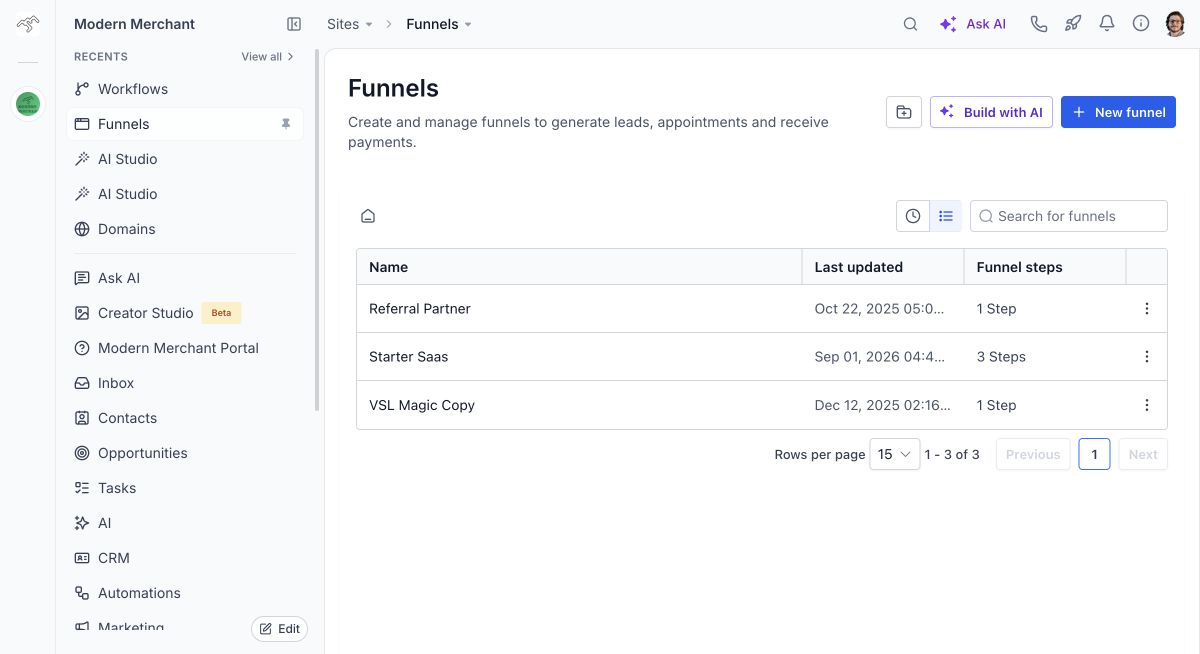
Hub connects contact records, conversations, pipelines, and bookings so your team can follow the next action.
Your delivery workspace
Projects, requests, documents, and review steps keep the work visible. Access and modules depend on your engagement.
Your improvement loop
We review connected analytics and CRM activity, agree priorities, make scoped changes, and report what changed.
What working together looks like
- 1.Agree the outcome, deliverables, and owner before work starts.
- 2.Connect the necessary accounts and establish a baseline.
- 3.Review proposed content, designs, or consequential changes.
- 4.Test the agreed customer journey and launch the scoped work.
- 5.Review results and choose the next improvements together.
Software we are building ourselves
Modern Merchant Field Service is our custom application for field operations. It connects job context, scheduling, and operational workflows to Hub. Client-specific forms and additional workflows are developed in stages.
This is an active product build. We demonstrate the current capabilities and confirm fit before quoting an installation.
Explore custom application workIllustrative workflow, not a client result
How an inquiry moves through an agent
A useful agent shows its work and hands off to a person. This is a generic demonstration with sample data, not a real customer record.
- 1
New inquiry arrives
A website form asks about catering for an event.
Inquiry: Do you cater office lunches? What details do you need? - 2
Approved business context
The agent checks your approved knowledge base only.
Sources: catering overview, what to ask guests, lead time. - 3
Draft reply and CRM note
It drafts a response that asks for the missing event details and logs the conversation.
Draft: Thanks for asking. To confirm options, can you share the date, guest count, and any dietary needs? - 4
Designated team member reviews
A named team member reviews and approves this example before it sends.
Reviewer: A designated team member approves before send. - 5
Approved reply and follow-up task
The approved reply sends, and a follow-up task is assigned to that team member.
Task: Confirm event details received. Follow-up: check back in 2 days. - 6
Checks and information updates
Who checks failed sends and updates the knowledge base has an owner and cadence agreed in your scope.
Owner and cadence for failed-send checks and info updates are agreed in scope.
Demonstration only. The agent does not send real messages or change live CRM records until your workflow is built, tested on real inputs, and approved. Access, human review, and who maintains the information are defined in your agreement.
Start with the part that needs to work better.
We will show you the relevant tools and scope the right next step.
Book a discovery call