

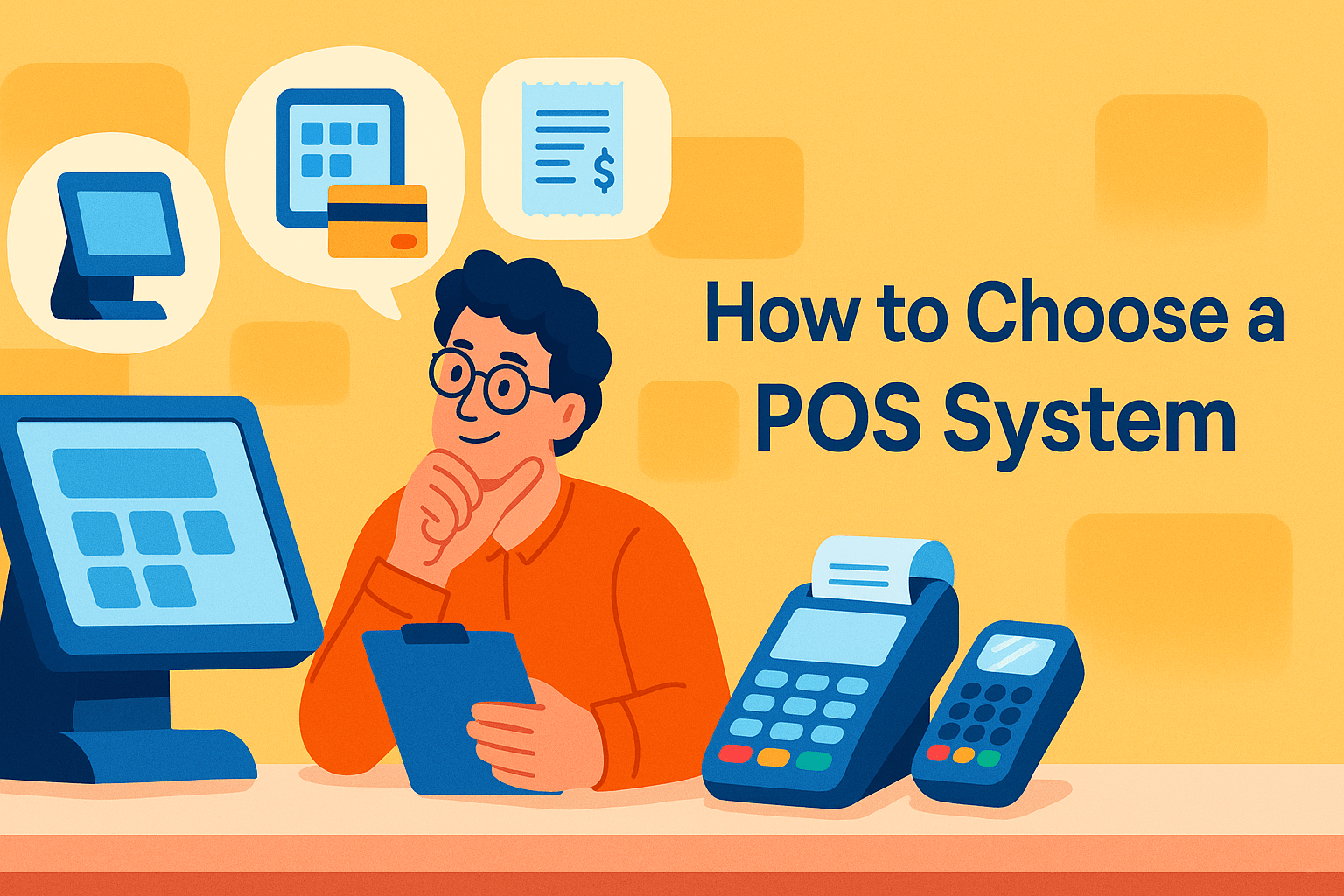
Choosing the right POS system can make or break the efficiency of your business. While vendors highlight attractive features, they rarely reveal the questions that truly determine whether their system is the right fit for your operations. A POS should simplify workflows, support your growth, and integrate seamlessly with your existing tools—but knowing what to look for takes clarity and the right guidance. This article breaks down the essential questions your vendor won’t ask, helping you make a smart, future-ready decision. Whether you run a retail shop, restaurant, or service business, understanding these insights will lead you to a POS that truly works for you.
Choosing the right POS system is a crucial decision that can significantly influence how smoothly your business operates. A modern Point of Sale system is much more than a tool for processing sales; it’s a centralized hub for managing inventory, tracking customer behavior, generating reports, and supporting growth.
However, with so many vendors promoting attractive features, it’s easy to overlook the deeper questions that reveal how well a POS truly fits your business needs. Vendors usually highlight the advantages but rarely mention the limitations or long-term implications. That’s why understanding what questions to ask and what questions they won’t ask is essential.
By looking beyond the basic sales pitch, you can evaluate reliability, scalability, support quality, and hidden costs. This prevents unexpected disruptions and ensures you select a system designed for your industry, workflow, and future expansion.
The goal is to adopt a POS that empowers your operations rather than restricts them, making it a long-term investment in efficiency and profitability.
Before comparing POS systems, it’s essential to define what business problems you need the system to solve. Vendors often assume all businesses need the same features, but your challenges are unique. Understanding this helps you avoid unnecessary add-ons and choose a solution that genuinely fits your workflow.
Consider how your POS should enhance efficiency, customer service, and decision-making. To clarify your priorities, ask yourself:
By identifying your exact needs, you can compare systems based on practical value rather than flashy features. A POS should feel intuitive, reduce errors, and streamline daily operations without overcomplicating your workflow. This question alone can save you from investing in a system that looks good but performs poorly in real-life situations.
User experience is one of the most overlooked yet most impactful aspects when selecting a POS system. Vendors often talk about features and specifications, but seldom discuss how easy the system is for non-technical staff to operate.
A complicated system leads to mistakes, slow checkouts, and frustrated team members. On the other hand, a user-friendly POS improves efficiency, reduces training time, and keeps customers happy. Evaluate the interface design, navigation structure, and how quickly new employees can learn the system.
Consider scheduling a demo to see the workflow in action. Ask whether the vendor offers on-site training, online tutorials, or 24/7 customer support. Also, consider how easy it is to add or edit products, apply discounts, process returns, or handle multiple payment methods. A POS should simplify everyday tasks, not create new challenges.
Choosing a system that your staff can comfortably use ensures smoother operations and fewer interruptions during busy business hours.
Many business owners underestimate the long-term costs of a POS system. Vendors may highlight a low monthly rate but avoid discussing hidden expenses. These can include hardware fees, transaction charges, software add-ons, integrations, support upgrades, and even mandatory payment processing contracts.
The total cost of ownership goes beyond the initial purchase, so asking the right questions can save thousands in the long run. Determine whether you need proprietary hardware or if the POS works with third-party devices.
Ask if prices will increase after your first year or if certain features require premium subscriptions. Some vendors charge extra for multi-store support, advanced analytics, or API access. Consider whether there are cancellation fees or long-term contract requirements. A transparent view of all costs helps you compare systems fairly and ensures you make a financially sound decision.
The goal is to choose a POS that meets your needs without straining your budget as your business grows.
A POS system becomes significantly more powerful when it integrates with your existing tools. Integration allows data to flow effortlessly between platforms such as accounting software, e-commerce websites, CRM tools, loyalty programs, inventory systems, and marketing automation apps.
But vendors rarely mention limitations or compatibility issues upfront. Before selecting a POS, list all the platforms you currently use and those you plan to adopt in the future. Ask whether the POS supports native integrations or requires third-party connectors.
Some integrations may involve additional fees or technical setup, which should be clarified ahead of time. Also consider how data syncing works, whether it’s real-time, delayed, or manual. Seamless integration saves time, reduces errors, and gives you a complete picture of your business performance.
A POS that functions smoothly within your ecosystem ensures better reporting accuracy and enhances the customer experience across multiple channels.
Business growth requires technology that can scale with expanding needs, but POS providers rarely emphasize scalability limitations.
A system that works well for a small shop may struggle with multi-site operations, online ordering, or higher transaction volumes. Evaluate whether the POS can support new locations, more staff accounts, additional devices, or advanced reporting features. Ask if scalability requires upgrading to more expensive plans or buying add-on modules.
Also consider whether the system can adapt to industry changes, such as new payment methods or regulatory requirements. Cloud-based POS solutions typically offer better scalability compared to traditional systems, allowing you to update settings across multiple locations from a single dashboard.
Choosing a scalable POS ensures your investment remains valuable as your business evolves, avoiding costly transitions later. The right system should grow with your ambitions—not limit them.
Security is critical when handling customer payment information, yet vendors often avoid discussing vulnerabilities or compliance requirements. A reliable POS should protect your business from fraud, data breaches, and legal issues. To fully understand the system’s security strength, ask essential questions such as:
Security failures can lead to downtime, financial losses, and damaged trust. Ensure your POS has the right protections in place to safeguard sensitive data. Understanding compliance, privacy practices, and risk mitigation strategies helps you choose a system that supports both your business operations and legal obligations.
Customer support can make or break your experience with a POS system. Vendors often advertise “24/7 support,” but the reality may differ; some provide only chatbots or slow email responses.
Before committing, investigate how support is structured and what’s included in your plan. Ask whether support is available in your time zone and if phone assistance is provided. Consider how quickly issues are resolved, especially during peak business hours.
A reliable POS provider should offer onboarding assistance, troubleshooting, software updates, and access to a knowledge base. Look for reviews that mention real customer experiences. Evaluate whether the vendor offers personalized support, especially if your operations are complex. Strong customer support ensures that system issues don’t disrupt your service or cause revenue loss.
A responsive and knowledgeable support team is a critical factor that many business owners overlook until it’s too late.
Different industries—retail, restaurants, salons, cafes, or service-based businesses—require different POS features. Vendors may promote their system as all-purpose, but one size doesn’t fit all.
A restaurant POS needs table management and order routing, whereas a retail POS requires barcode scanning and inventory tracking. Evaluate whether the system provides tools specific to your industry’s needs. Ask if the POS offers customizable menus, tax rules, product variations, discount structures, or service scheduling.
Industry-specific features can drastically improve efficiency and reduce workarounds. Testing the demo with real-life scenarios helps you gauge whether the POS matches your operational flow. A system designed for your industry minimizes errors, increases speed, and creates a smoother customer experience.
Choosing a POS that understands your business ensures you get maximum value and functionality.
Vendors rarely discuss what happens when you want to switch systems or cancel your contract. Transitioning from one POS to another can be stressful, especially if your provider makes it difficult.
Before signing up, ask about contract terms, cancellation fees, and data accessibility. Ensure you can export your inventory, sales history, customer information, and other essential data without restrictions.
Some providers may charge high fees or limit access once you cancel, so clarity is crucial. Also consider how easy it is to migrate hardware—whether it’s compatible with other POS platforms or locked into proprietary use.
Planning for the future ensures you are never trapped in a system that no longer serves your business. A reliable vendor will prioritize transparency and flexibility, allowing you to scale, adjust, or switch without unnecessary friction.
Selecting the right POS system is more than checking off features; it’s about choosing a platform that supports your long-term growth, simplifies your daily operations, and protects your business from hidden challenges vendors rarely mention. By asking the right questions and evaluating what truly matters, scalability, security, integrations, usability, and support, you put your business in the best position to thrive in a competitive market.
If you’re looking for a POS solution built for modern businesses, Modern Merchant Hub delivers everything you need without the guesswork. From seamless integrations and industry-specific tools to transparent pricing and reliable customer support, Modern Merchant Hub empowers you to run your business smarter, faster, and more efficiently.
Ready to upgrade your operations?
👉 Choose Modern Merchant Hub today and experience a POS system that grows with your business, not against it.
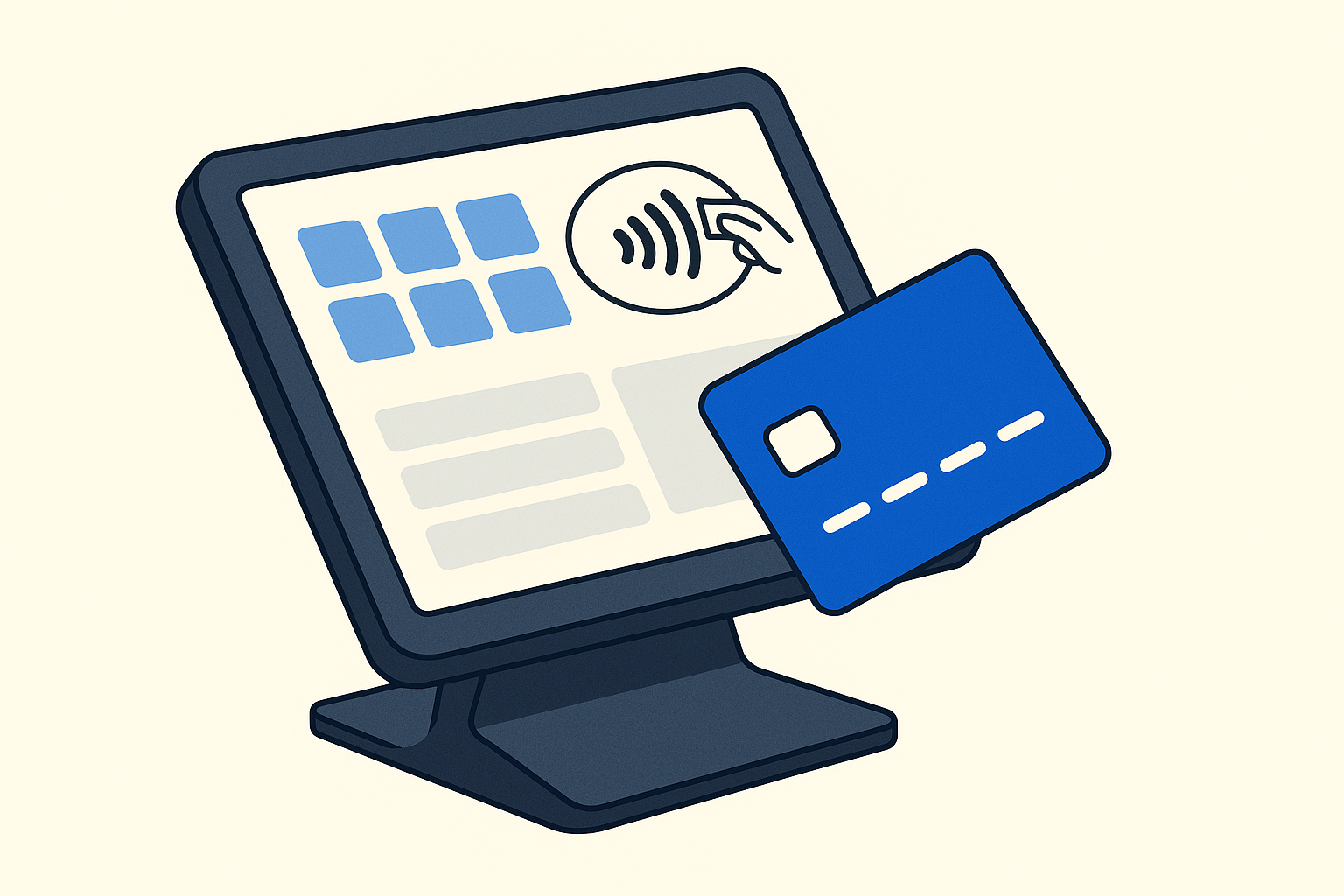

A POS system (Point of Sale system) manages sales transactions, tracks inventory, stores customer data, and streamlines daily operations. You need one to improve accuracy, enhance customer service, and gain insights that help your business grow.
The right POS depends on your business type, workflow, and goals. Look for features that solve your biggest challenges, support integrations, offer ease of use, and provide long-term scalability.
In most cases, yes. Cloud-based POS systems offer automatic updates, remote management, real-time syncing, easier scalability, and better flexibility. They usually cost less upfront and adapt well as your business grows.
Pricing varies based on features, hardware, and subscription plans. Expect costs for software, payment processing, hardware, add-ons, and potential support fees. Always ask about hidden charges before you commit.
Most modern POS systems integrate with accounting apps, eCommerce platforms, CRMs, loyalty programs, and inventory tools. Always confirm compatibility, integration costs, and syncing speed before choosing a system.
Look for PCI DSS compliance, encrypted transactions, secure cloud backups, user permissions, and regular system updates. A secure POS protects sensitive customer information and prevents fraud.
Extremely important. You need fast, reliable support during technical issues or peak business hours. Make sure your POS vendor offers 24/7 support, onboarding assistance, and real human help—not just automated bots.
Yes. Many modern POS systems offer omnichannel solutions, syncing inventory, customer profiles, and sales data across physical and online stores. This creates a seamless shopping experience for customers.
Absolutely. Retail, restaurants, salons, and service businesses all require different features. The best POS systems offer industry-specific tools like table management, barcode scanning, appointment scheduling, and more.
Before choosing a system, clarify data portability, contract terms, and cancellation fees. Make sure you can export sales data, inventory lists, and customer information easily to avoid issues during migration.
POS systems for Swannanoa, NC small businesses. Modern Merchant — locally based in Asheville, payments + POS + CRM +
Credit card processing for Swannanoa, NC small businesses. Modern Merchant — locally based in Asheville, payments + POS + CRM
POS systems for Marion, NC small businesses. Modern Merchant — locally based in Asheville, payments + POS + CRM +
Join the digital transformation revolution. Get started with a free consultation and see how automation, modern payments, and growth tools can drive your success.